ToolPack version 3.3.12.53 is now released!
Before exploring the new features and unique enhancements in this build, please review the Release Notes link above. To ensure optimal performance and compatibility, verify that your Operating System is running the latest version. For detailed instructions, please see: Upgrade linux packages
For other versions, please contact TelcoBridges support: support@telcobridges.com
-Support
ToolPack version 3.3.13.146 is now released!
• https://download.telcobridges.com/3.3.13.146/TBToolPack-3.3.13.146-Linux-centos7-x86_64-Install
• https://download.telcobridges.com/3.3.13.146/TBToolPack-3.3.13.146-Linux-centos7-x86_64-Install.sum
• https://download.telcobridges.com/3.3.13.146/tb-mibs.zip
• https://download.telcobridges.com/3.3.13.146/tb-mibs.zip.sum
Release notes: Release Notes 3.3.13.146
Before exploring the new features and unique enhancements in this build, please review the Release Notes link above. To ensure optimal performance and compatibility, verify that your Operating System is running the latest version. For detailed instructions, please see: Upgrade linux packages
For other versions, please contact TelcoBridges support: support@telcobridges.com
-Support
Hi Dave.
I am looking to upgrade PROSBC from 3.1.139.5 to 3.3.13.146.
I have uploaded 3.3 licensing.
Next step is yum update the OS, reboot, and then activate new version 3.3.13.146.
Is there anything else I need to do during major upgrade? Any other special commands?
Thanks-Darin
Hi Darin,
Yes, a couple of points to consider. If you have a 1+1 setup. You need to do the yum updates on both servers independently.
yum update -y
yum groupinstall Toolpack-Prerequisites
Load new license. Done!
Upload the toolpack version 3.3.13.146
Validate 3.3.13.146
Activate the package
After activation, if everything looks good. Reboot.
That should do it.
-Support
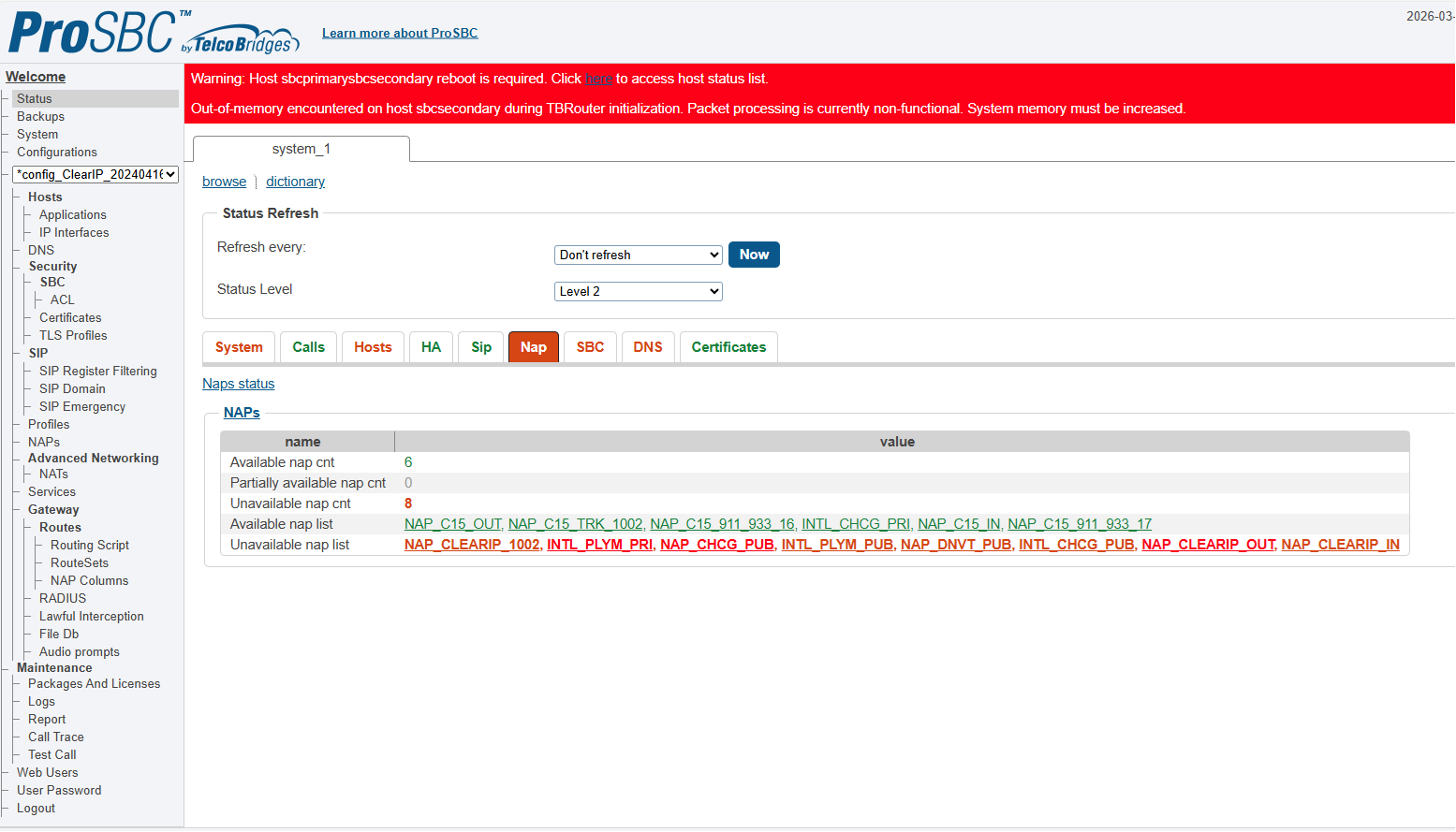
I made it through from 3.1.139.5 to 3.3.13.146 but I got an error, the sbc indicated I was out of memory and that I needed to increase memory. So I rebooted both sbc and took a very long time but they came back and started processing packets again. Didn’t seem normal to me.
Hi Daren,
Okay, so its working now, right? Sometimes the OS update takes an extra reboot.
Cheers,
Dave
Yes, did not know that but that is what I did, rebooted each unit x 2.
Thanks,
Darin